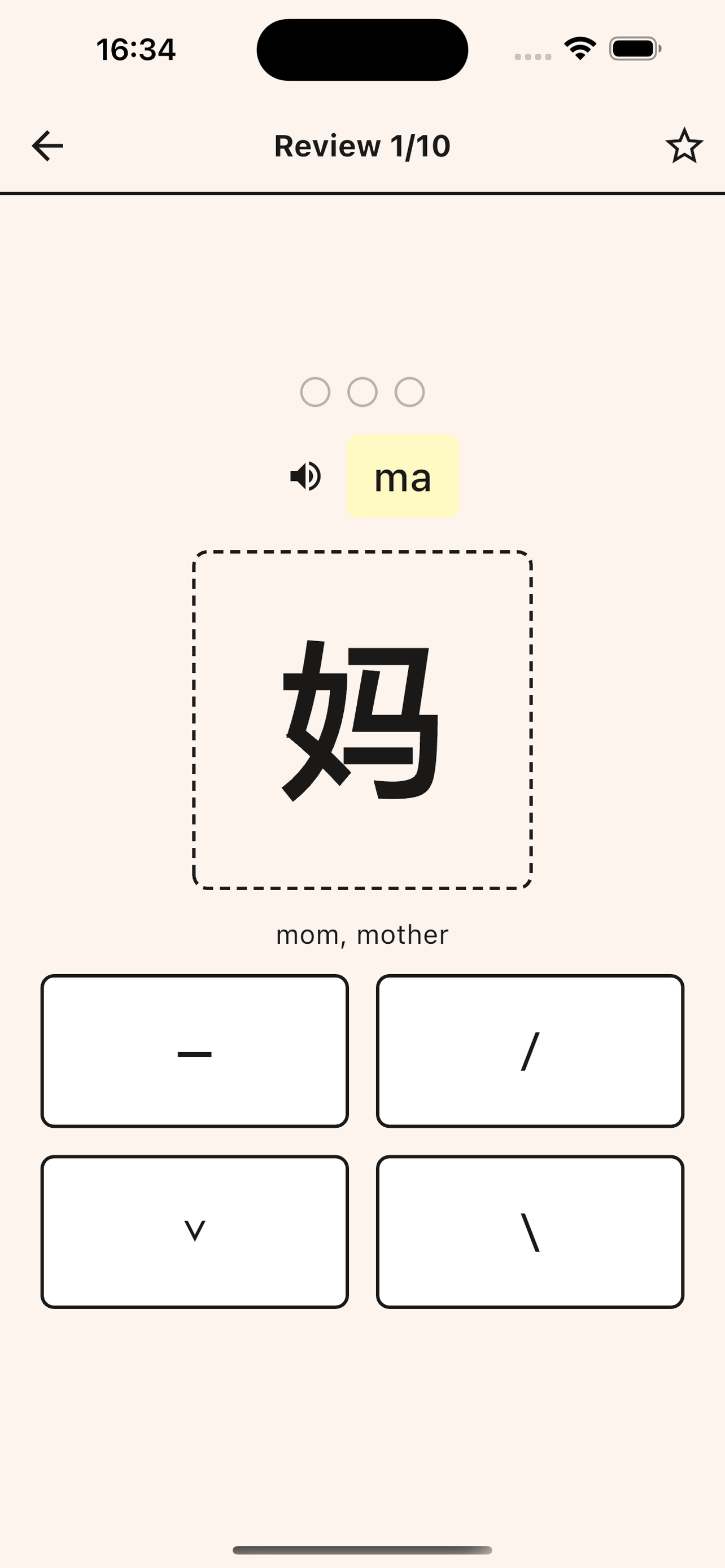
Home - Learning Dashboard
- View your current study progress and continue learning
- Access today's learning and review tasks with one tap
- Quick Start: Beginner-friendly wordbooks for fast learning
- HSK Study: Structured learning paths for systematic progress
- Automatic progress tracking and daily goal management
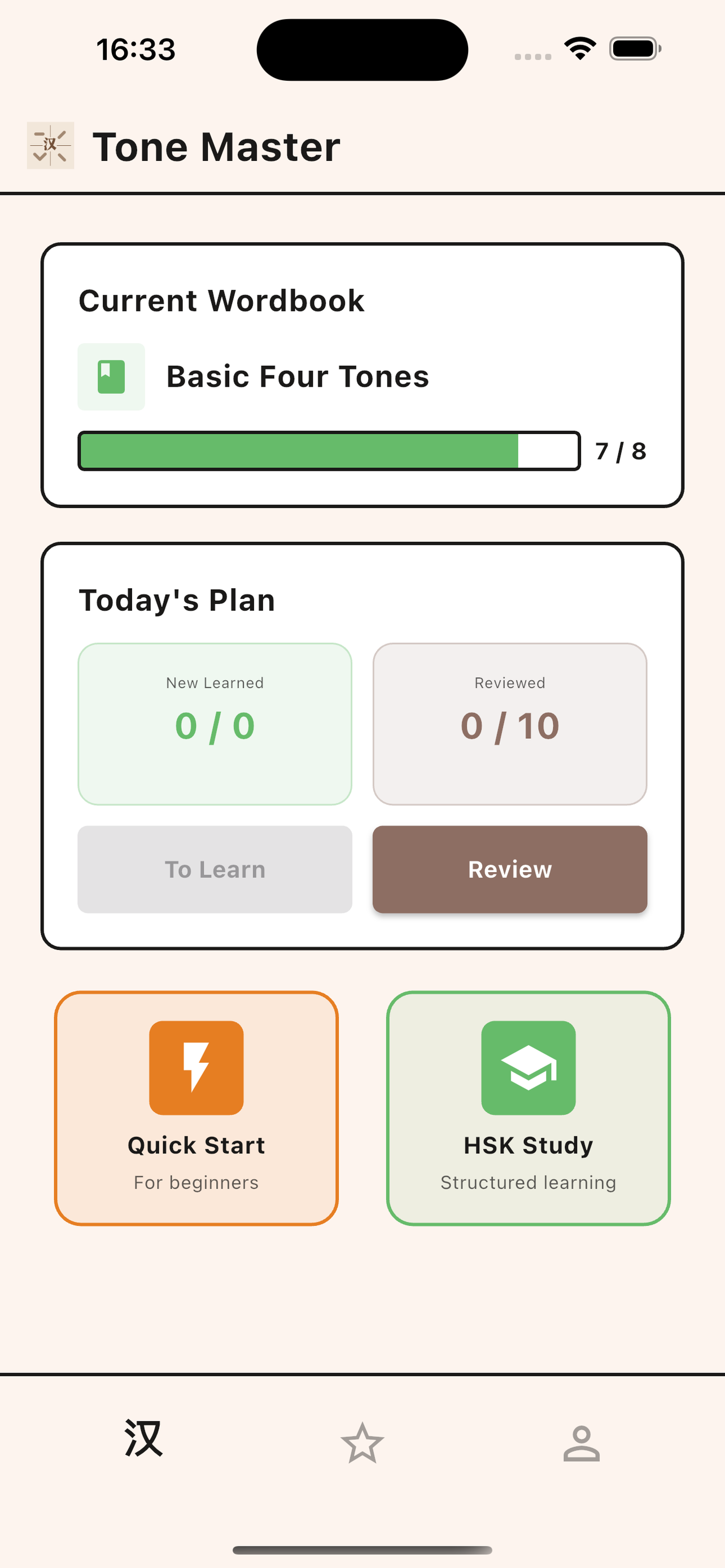
Wordbook Selection
Choose from two types of wordbooks designed for different learning needs:
- Quick Start Wordbooks: Each wordbook contains no more than 20 characters, perfect for learning by personal interest. Complete them in one session for quick wins and focused practice.
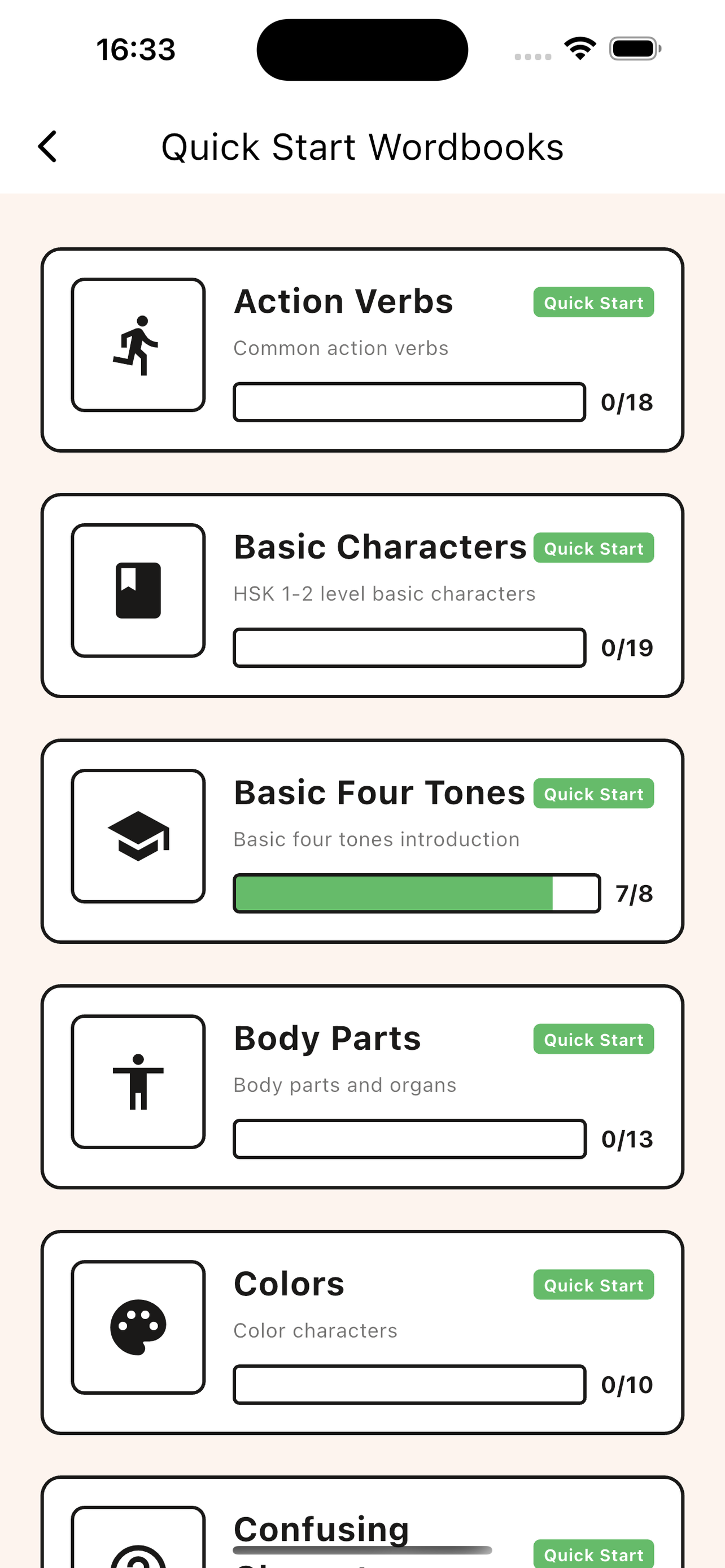
- HSK Wordbooks: Strictly based on official HSK vocabulary lists, these wordbooks provide structured learning paths. Set up a study plan and progress systematically through the curriculum.
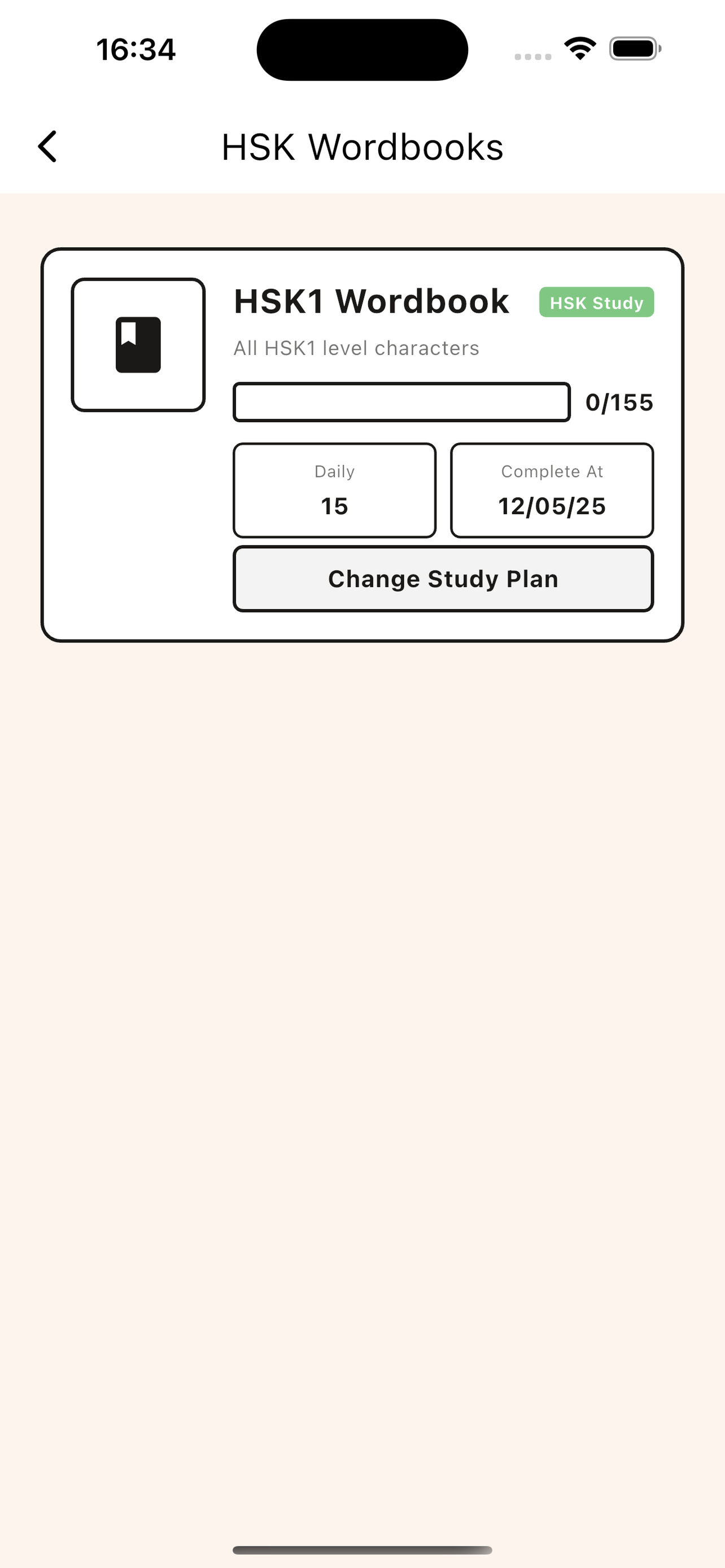
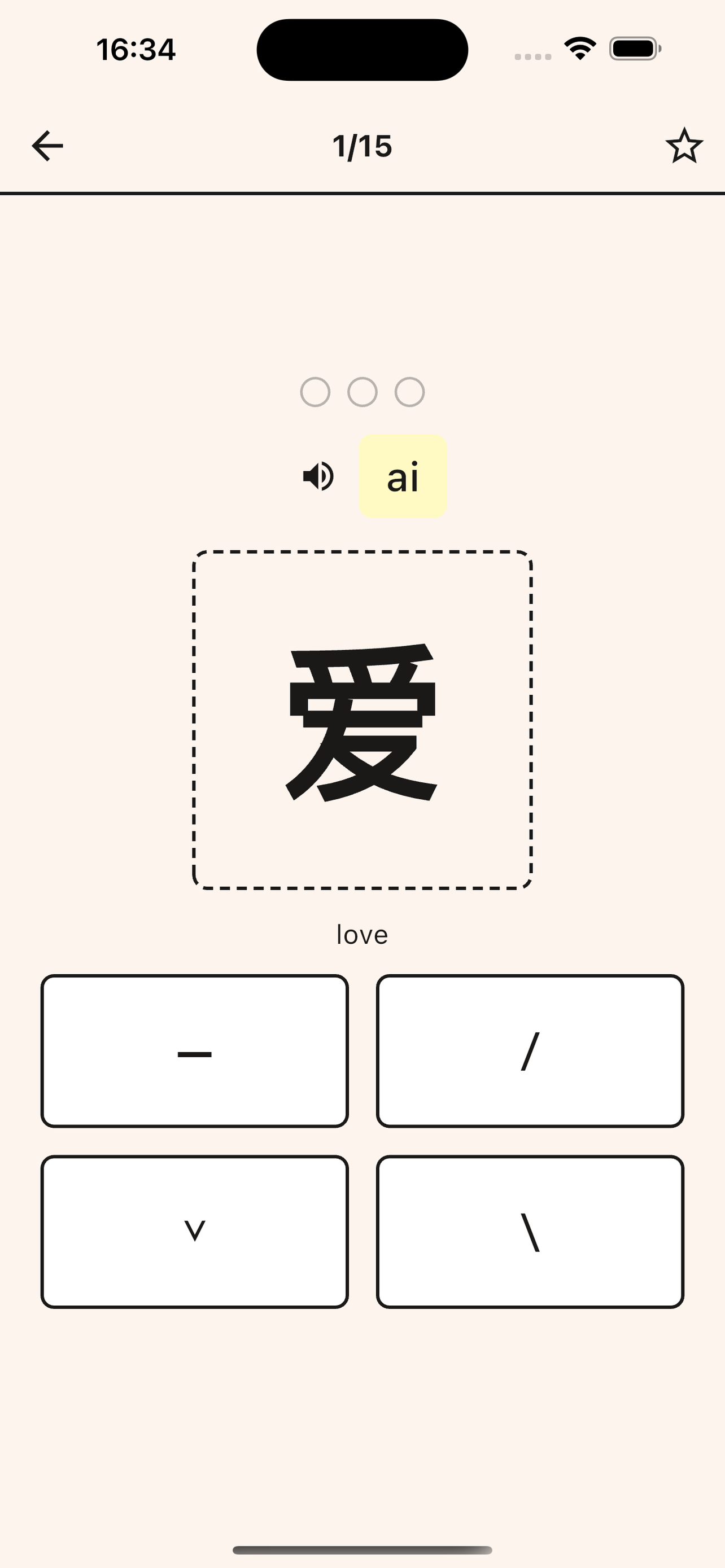
Tone Recognition Practice
- Two flexible practice methods: recognize tones from displayed characters or audio pronunciation
- Instant feedback on your answers
- View pinyin and meaning for each character
- Practice at your own pace with customizable settings
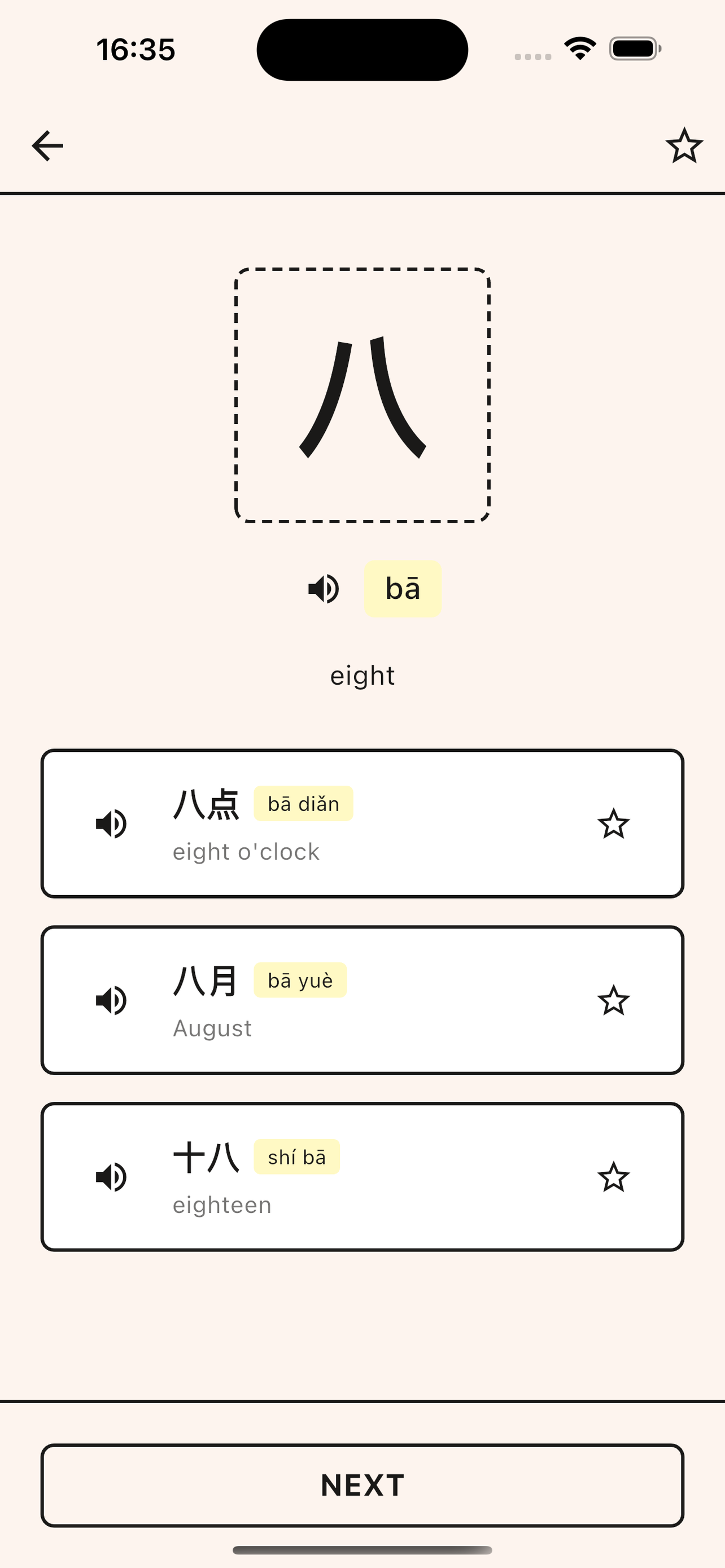
Character Details & Common Phrases
- View detailed character information including pronunciation (pinyin) and meaning
- Learn commonly used phrases to understand context
- See how characters are used in real conversations
- Better remember and apply characters through contextual learning
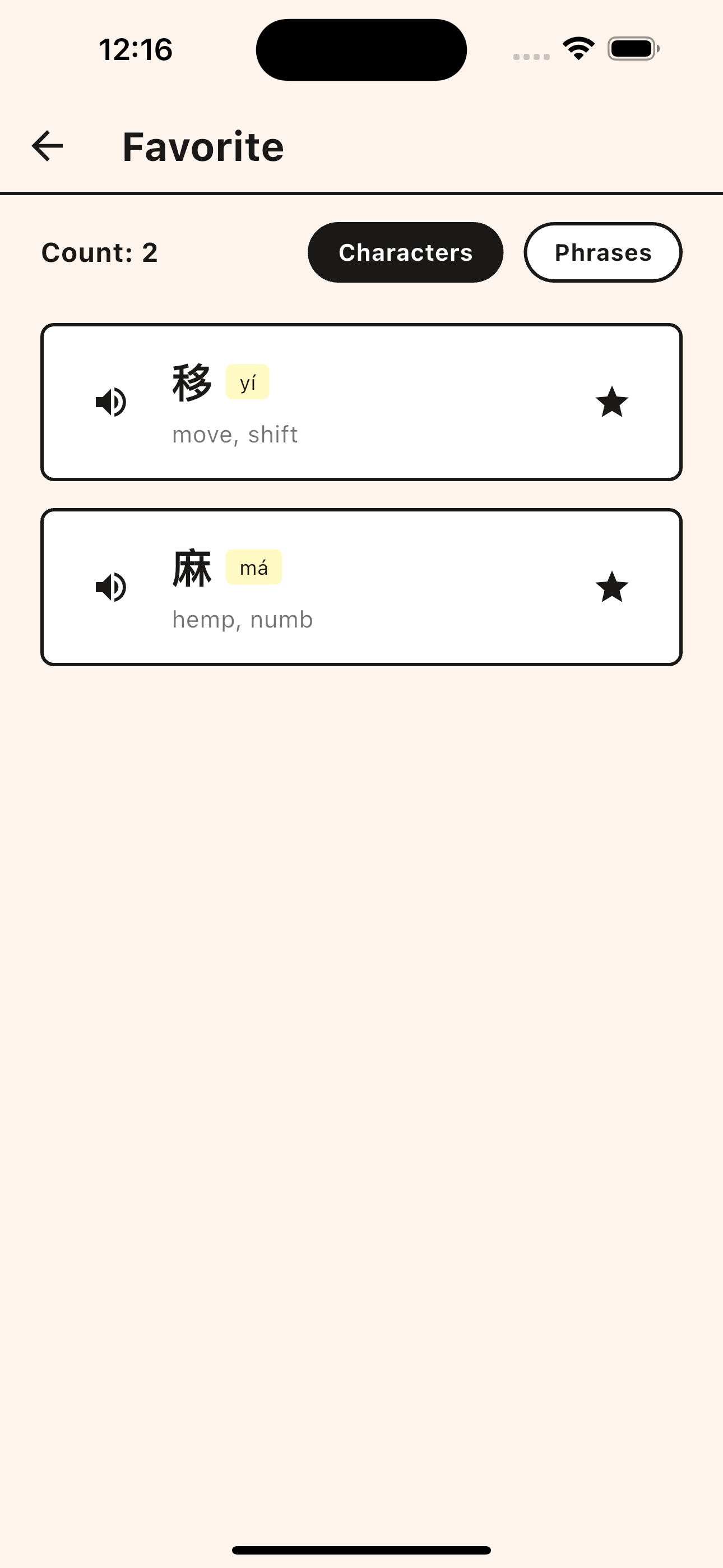
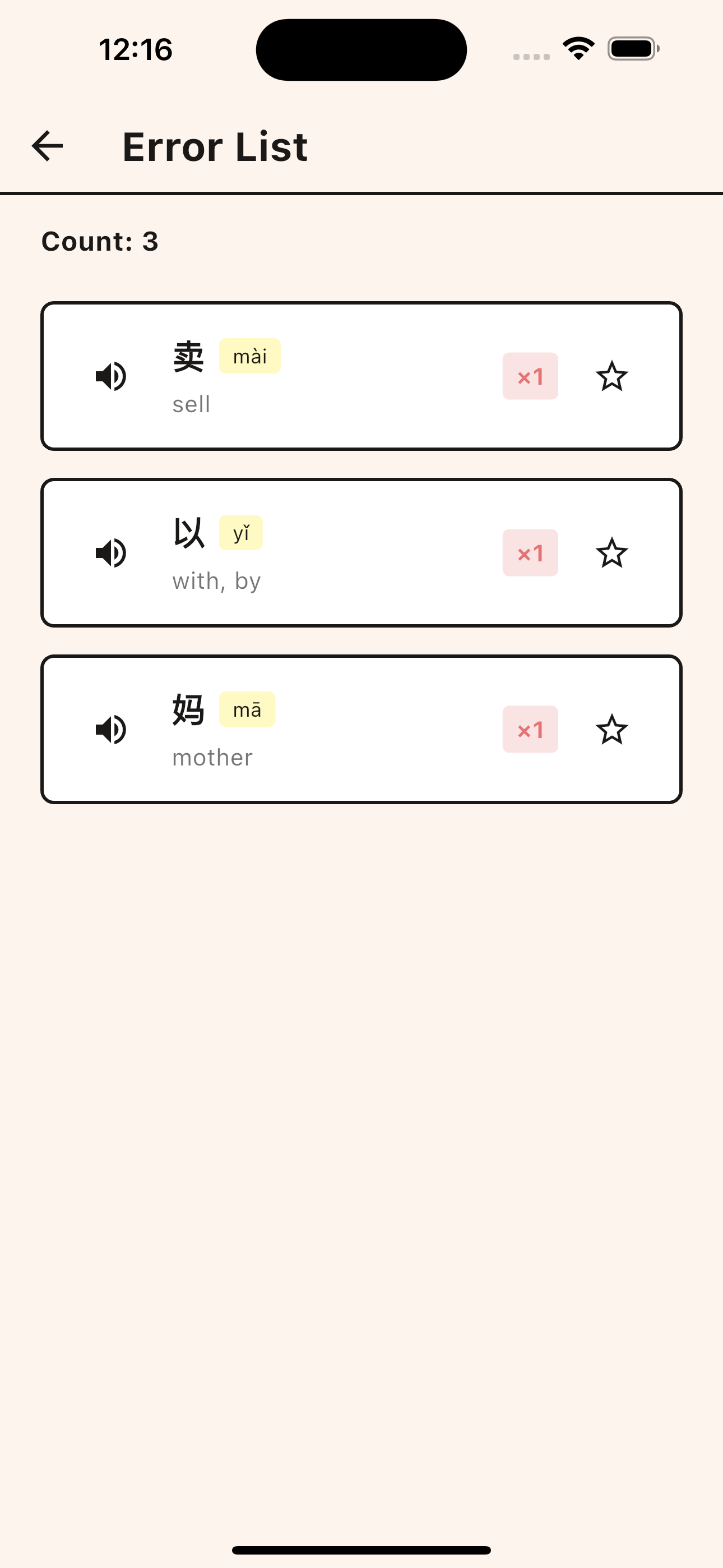
Favorite Collection & Error List
- Favorite Collection: Save important characters with one tap and access them anytime
- Error List: Automatically records characters you answered incorrectly
- Build your personalized learning library
- Focus on characters that need more practice through dedicated review
Study Plan & Review Settings
Customize your learning journey with personalized study and review plans:
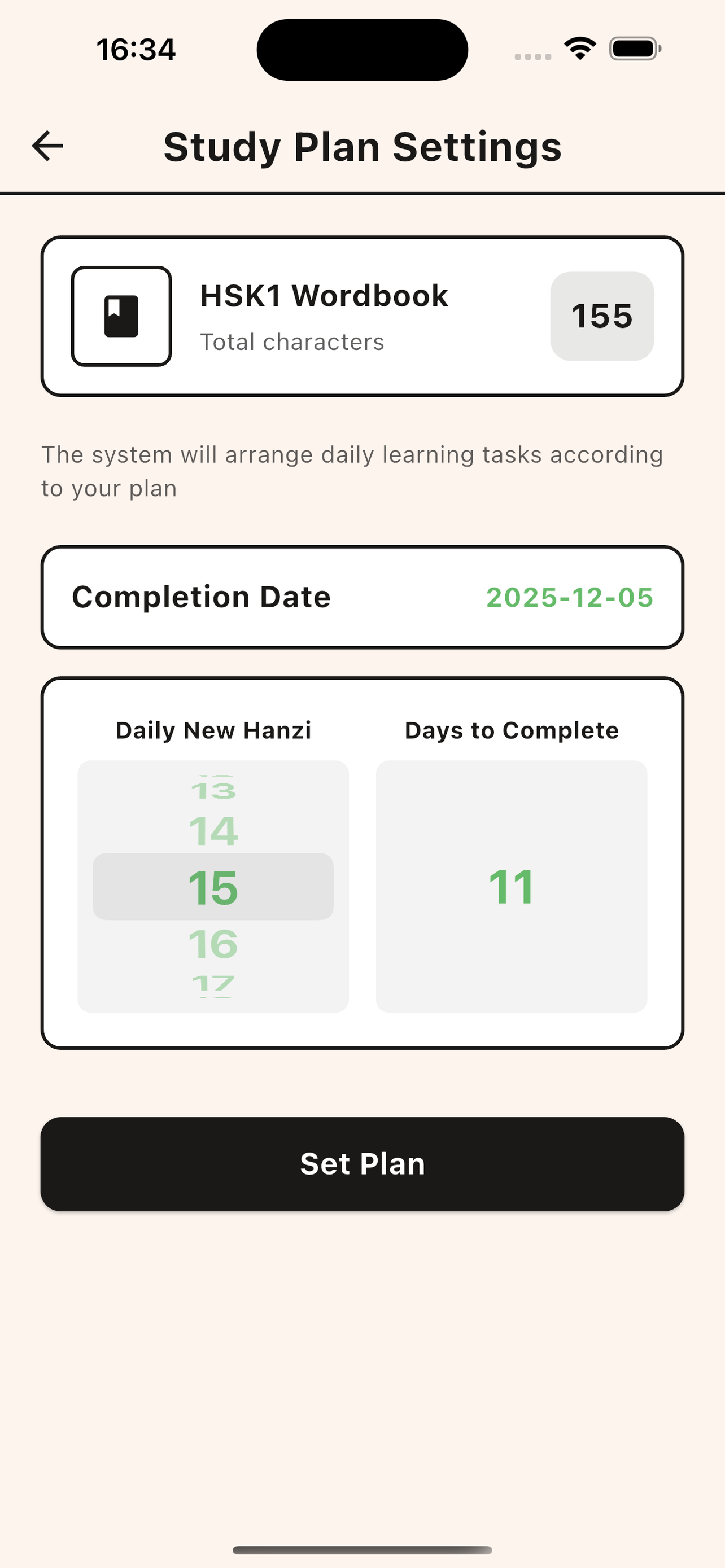
- Study Plan Settings: Set your daily learning goals by choosing how many new characters to learn each day. The system automatically calculates your completion date and arranges daily learning tasks according to your plan.
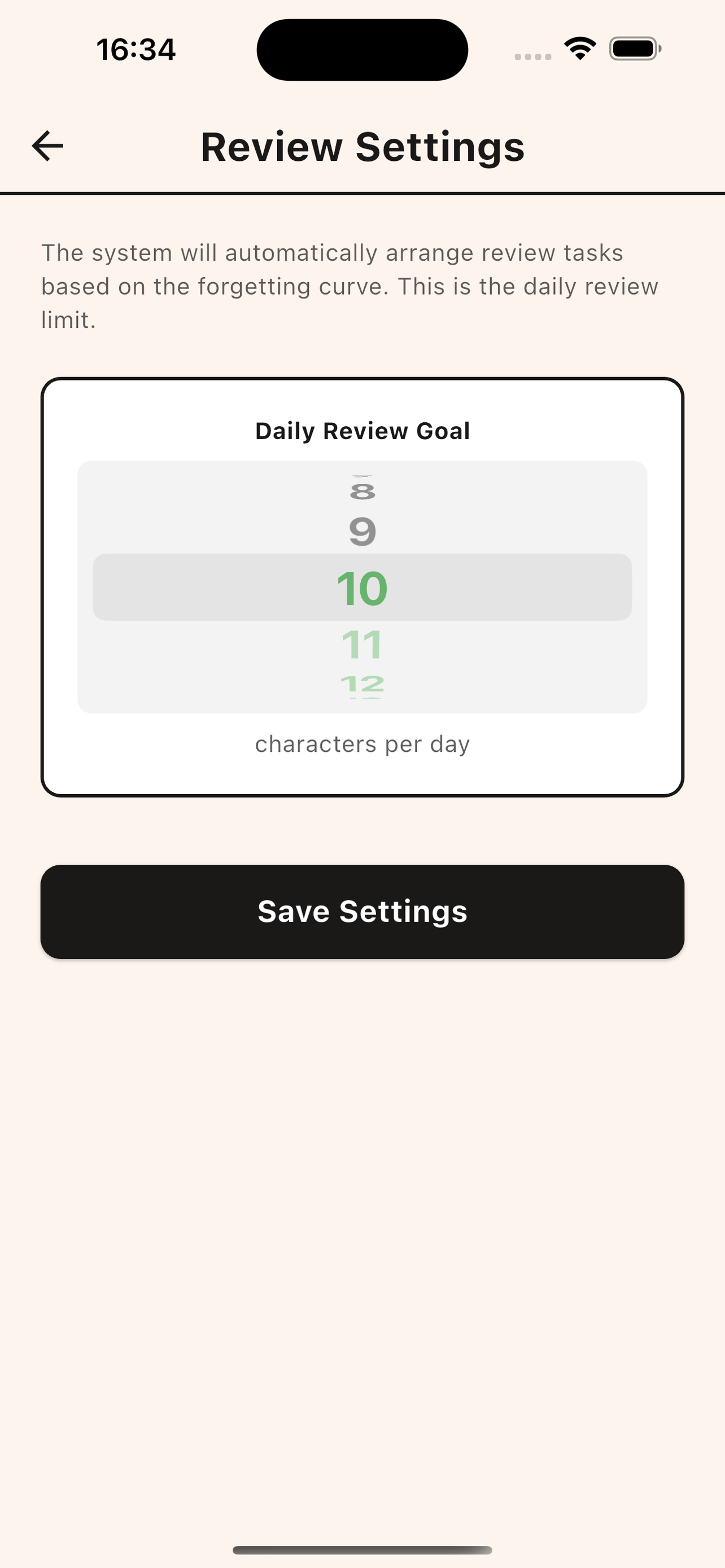
- Review Settings: Configure your daily review goals based on the forgetting curve. The system automatically arranges review tasks to help you retain what you've learned through spaced repetition.
Settings
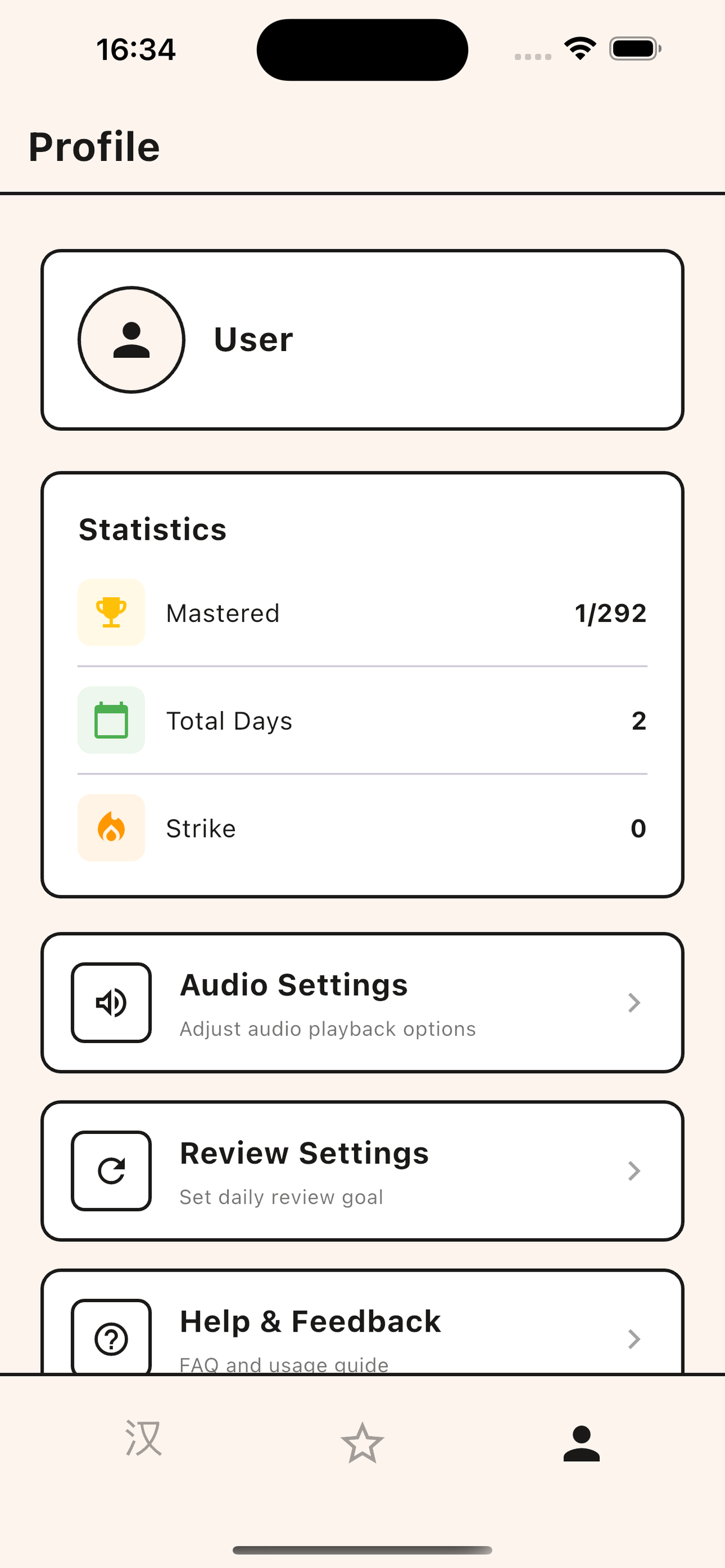
- View your learning progress and track completed lessons
- Monitor mastered characters and learning streaks
- Set daily learning goals
- Customize audio playback: volume, speed, auto-play, and repeat count
- Personalize settings to match your learning preferences
Daily Review
- Automatically collects characters you answered incorrectly today
- Dedicated review practice mode for focused learning
- Focus on today's weak areas
- Reinforce learning through spaced repetition